On this page
- What Is Auto Loot in Torchlight Infinite?
- How to Unlock Auto Loot in Torchlight Infinite
- How to Enable Auto Loot
- Normal Auto Loot vs. Advanced Auto Loot
- What Items Does Auto Loot Pick Up?
- How to Get Advanced Auto Loot
- Torchlight Infinite Auto Loot Not Working: How to Fix It
- Auto Loot vs. Loot Filter: What Is the Difference?
- Tips to Make Auto Loot More Efficient
- Frequently Asked Questions About Torchlight Infinite Auto Loot
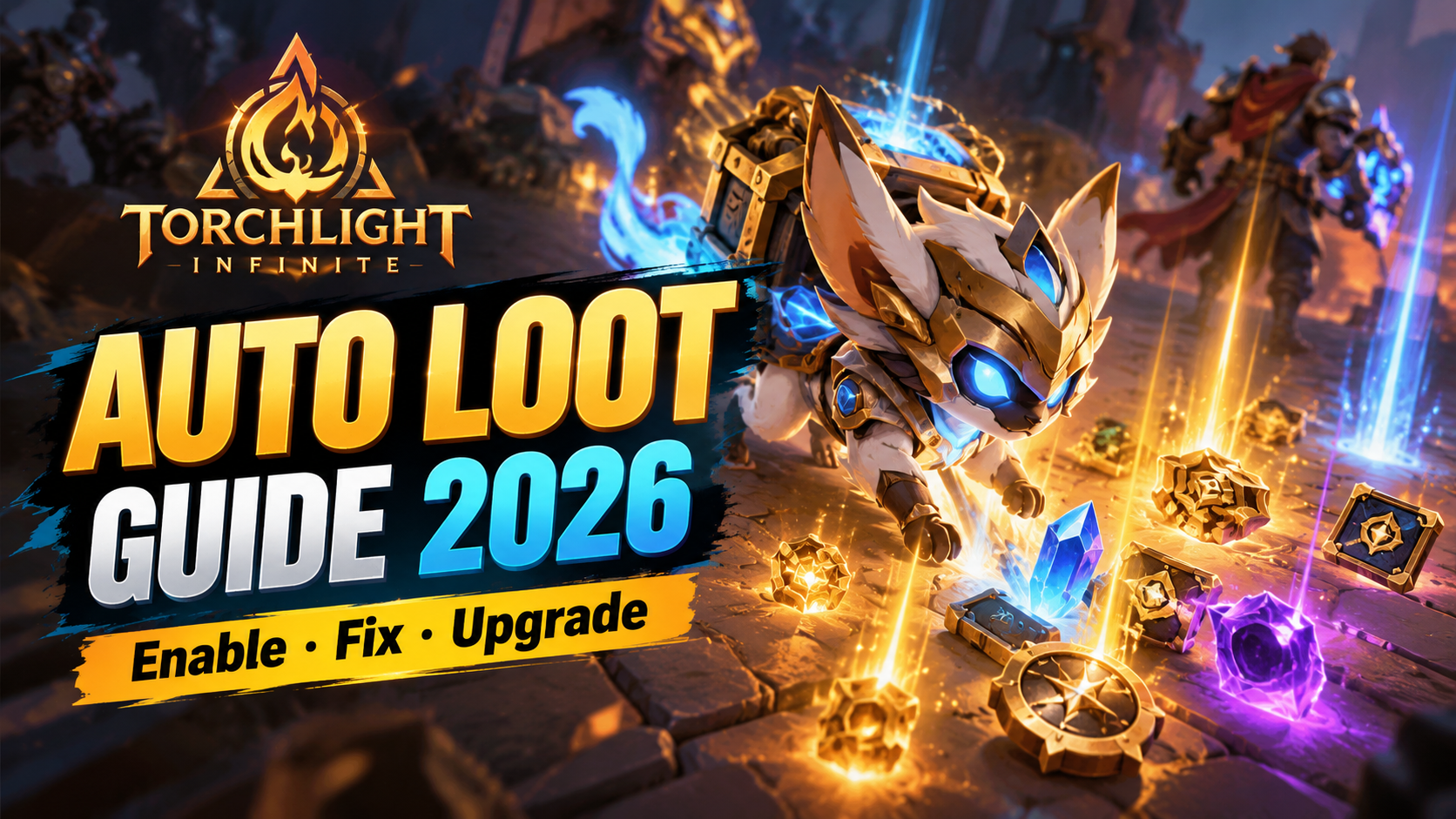
Torchlight: Infinite Auto Loot is a convenient feature that allows a Pactspirit to automatically collect certain dropped items while you explore maps, defeat enemies, and farm resources. Instead of manually picking up every material, you can focus on combat and faster map clearing.
However, auto-loot does not collect everything. The game distinguishes between Normal Auto Loot and Advanced Auto Loot, and some valuable currencies and equipment still require manual collection.
This guide explains how to unlock and enable auto-loot in Torchlight: Infinite, which items it collects, how the advanced version works, and what to do when auto pickup stops working.
What Is Auto Loot in Torchlight Infinite?
Auto Loot is an item pickup feature linked to the Pactspirit system. A Pactspirit is a companion that can follow your character and automatically collect eligible drops.
The feature is particularly useful during Netherrealm farming, where enemies frequently drop crafting materials, currencies, and other resources.
There are two main versions:
- Normal Auto Loot: Collects a defined selection of basic materials and resources. It is available through free progression rewards.
- Advanced Auto Loot: Expands automatic collection to additional materials, including certain valuable currencies, embers, and other drops. It has historically been associated with premium Season Pass benefits.
Neither version is a universal pickup system. High-value equipment and other drops outside the supported categories may still need to be collected manually.
How to Unlock Auto Loot in Torchlight Infinite
To unlock normal auto-loot, you need access to the Pactspirit system and the appropriate auto-pickup feature.
- Progress through the campaign: Complete the introductory storyline until the Pact system becomes available. Older introductory guides associate the initial Pactspirit unlock with completing Chapter 1.
- Obtain a Pactspirit: Claim an available Pactspirit from tutorial rewards, seasonal events, or the Boons system.
- Unlock normal auto-pickup: Check the free Season Pass rewards. In established versions of the game, normal auto-loot has been awarded at Season Pass level 15. Confirm the reward requirements in your current season.
- Open the Pacts menu: Locate your available Pactspirits.
- Select a following companion: Choose a Pactspirit and activate its Follow behavior.
- Enable auto pickup: Open the relevant pickup or Loot settings and turn on Auto Loot.
Important: Obtaining a Pactspirit and unlocking the auto-pickup functionality are separate considerations. If your pet follows you but never collects eligible materials, verify that you have unlocked the pickup feature itself.
How to Enable Auto Loot
If you already have a Pactspirit and the required pickup feature, follow these steps:
- Launch Torchlight: Infinite and select your character.
- Open the Pacts menu.
- Select an available Pactspirit.
- Set its behavior to Follow.
- Open the game’s Settings menu.
- Navigate to the Loot or relevant Pick-up settings.
- Enable Auto Loot.
- Enter an area with eligible item drops and test whether your Pactspirit collects them.
Once properly configured, your companion should automatically collect supported items within its pickup behavior.
You do not necessarily need to install a Pactspirit into an active Pact configuration for basic pickup functionality. The game’s Pactspirit description states that even an uninstalled Pactspirit can be selected to follow your character and collect certain drops.
Normal Auto Loot vs. Advanced Auto Loot
The main difference between the two versions is the range of items collected automatically.
| Feature | Normal Auto Loot | Advanced Auto Loot |
|---|---|---|
| Availability | Free progression rewards | Additional premium or eligible seasonal entitlement |
| Requires a Pactspirit | Yes | Yes |
| Requires Follow mode | Yes | Yes |
| Basic materials | Yes, supported items | Yes, supported items |
| Flame Sand | Not included in the standard database list | Included |
| Additional embers | Limited | Selected additional types |
| Compasses | Not generally included | Some low-value Compasses |
| Equipment and gear | Generally requires manual pickup | Generally requires manual pickup |
| Best for | Casual players and free-to-play farming | Frequent farming and reducing manual pickups |
Note: These distinctions reflect the documented auto-loot categories. Item eligibility and the methods for obtaining pickup upgrades may change with seasonal updates. Always check the current in-game descriptions before purchasing a pass or upgrade.
What Items Does Auto Loot Pick Up?
The following lists are based on the documented Torchlight: Infinite item database.
Items Collected by Normal Auto Loot
The standard pickup list includes:
- Elixirs of Oblivion
- Energy Cores
- Netherrealm Resonance
- Normal Fluorescent Memory Fragments
- Magic Fluorescent Memory Fragments
- Beacons
- Divinity Stones
These items are useful for ordinary progression and repeated farming. However, this does not mean that every currency, material, or item dropped during a map will be collected automatically.
Additional Items Collected by Advanced Auto Loot
Advanced Auto Loot includes normal pickup functionality and extends its coverage to additional categories, including:
- Truth Embers
- Flame Sand
- Magic Transcendence Wedges
- Supported event items
- Memory Scraps
- Fine Embers
- Precious Embers
- Snowpaper Fragments
- Some low-value Compasses
Advanced Auto Loot replaces normal pickup behavior while the advanced entitlement is active.
It is particularly helpful during long farming sessions because it reduces the number of times you must interrupt combat to collect eligible materials.
What Items Must Be Picked Up Manually?
Not every valuable drop is covered by either auto-loot tier.
You should still check the ground for:
- Weapons, armor, and other equippable gear.
- Rare or valuable Legendary equipment.
- High-value currencies not listed under your active auto-loot entitlement.
- Compasses outside the supported pickup categories.
- Special seasonal rewards that are not included in the automatic pickup rules.
- Other items requiring manual interaction or collection.
Tip: Do not assume that Advanced Auto Loot will automatically collect every Flame Elementium drop or other high-value currency. Check the actual pickup description and manually collect anything that remains on the ground.
How to Get Advanced Auto Loot
Advanced Auto Loot is an upgraded pickup entitlement. Historically, it has been offered through the paid Season Pass, including an early premium reward tier in earlier versions of the game.
To check its availability:
- Open the current Season Pass or relevant in-game benefits menu.
- Look for an upgrade labeled Advanced Auto Loot or Advanced Auto-pick.
- Read its unlock requirements, duration, and eligible pickup categories.
- If you obtain the upgrade, verify that the advanced entitlement is active.
- Keep a Pactspirit following your character and auto pickup enabled.
Important: Purchasing or obtaining a higher-rarity Pactspirit does not, by itself, guarantee Advanced Auto Loot. Pactspirit rarity, Pact bonuses, and pickup entitlements are different systems.
Is Advanced Auto Loot Worth It?
Whether the upgrade is worthwhile depends mainly on how often you farm.
Normal Auto Loot is usually sufficient if:
- You play casually.
- You are leveling your first character.
- You do not mind collecting valuable drops manually.
- You want to play without purchasing premium benefits.
Advanced Auto Loot may be useful if:
- You regularly farm large numbers of Netherrealm maps.
- You frequently encounter supported currencies or materials that standard auto-loot leaves behind.
- You want to minimize interruptions between fights.
- You value pickup convenience during long farming sessions.
Advanced Auto Loot saves time but does not directly increase the underlying drop rate or guarantee more valuable drops.
Torchlight Infinite Auto Loot Not Working: How to Fix It
If your Pactspirit has stopped collecting items, work through the following troubleshooting checklist.
1. Check Whether Auto Loot Is Enabled
Open Settings and locate the Loot or Pick-up section. Verify that the auto-loot option is turned on.
If it is already enabled, try disabling and re-enabling it.
2. Make Sure Your Pactspirit Is Following You
Auto pickup requires a following Pactspirit.
Open the Pacts menu, select a companion, and check whether its behavior is set to Follow.
If necessary, switch the following companion and test again.
3. Check Your Inventory Space
A nearly full inventory can prevent automatic item collection.
This is especially important because Torchlight: Infinite separates different kinds of inventory items into categories.
Even if your main equipment inventory appears to have room, your Commodity inventory may be nearly full.
To fix the problem:
- Open your inventory.
- Inspect the equipment and commodity sections.
- Move unnecessary items into storage where possible.
- Remove items you no longer need.
- Return to a map and test auto pickup again.
Players have reported cases where clearing additional Commodity inventory space restored auto-loot functionality.
4. Check Whether the Item Is Eligible
If your pet collects Energy Cores or Beacons but ignores another item, the system may be working correctly.
Normal Auto Loot does not include every type of currency, crafting resource, or equipment.
Compare the item with your current pickup entitlement before assuming the game is bugged.
5. Check Pickup Keybindings
On PC, review your Controls or Keybinding settings for pickup-related shortcuts.
Players have reported using the A key for manual pickup, including holding it to collect nearby items. Some have also reported pickup toggles bound to other keys.
Because bindings can change between configurations and game versions, use the key shown in your own settings rather than assuming a particular shortcut is universal.
6. Check Your Loot Filter
A loot filter can hide drops from view, making it seem as though items have disappeared or are not being collected.
Temporarily disable your active filter or switch to a less restrictive preset. Check whether the missing drops become visible.
Remember that hiding items and automatically collecting items are different features.
7. Restart the Game
If all settings appear correct, restart Torchlight: Infinite.
After reconnecting, check your Pactspirit’s Follow behavior, pickup entitlement, and auto-loot settings again.
If the problem started after a game update, check for additional patches or known issues.
8. Contact Game Support if the Problem Continues
If a supported item cannot be collected even though you have the correct entitlement, an active following Pactspirit, enabled pickup settings, and sufficient inventory space, the issue may require technical support.
When reporting it, provide your platform, game version, character or account information requested by support, affected item names, and a description of the problem.
Auto Loot vs. Loot Filter: What Is the Difference?
One common mistake is confusing Auto Loot with the game’s loot-filtering system.
| Feature | Auto Loot | Loot Filter |
|---|---|---|
| Primary purpose | Automatically collects supported drops | Controls the visibility and appearance of drops |
| Requires a following Pactspirit | Yes | No |
| Automatically collects gear | Generally no | No |
| Can hide unwanted items | No | Yes |
| Customizable rules | Limited by pickup eligibility | Supports detailed custom conditions |
| Main benefit | Reduces manual pickup | Reduces screen clutter and highlights useful items |
How to Set Up a Loot Filter
Torchlight: Infinite provides official filter presets and custom filtering options.
- Open the game’s Filter or Loot Drop Filter menu.
- Select one of the official filter presets.
- Start with a basic preset if you are still learning the game.
- Move to an intermediate or advanced preset as you become familiar with valuable drops.
- Create or modify a custom filter if you need more precise rules.
Custom filters can control item visibility based on properties such as item type, level, and affixes. They can also adjust how drops are displayed.
Loot filters have received updates in recent seasons, including automatic filter updates and customizable drop sound effects.
Best practice: Use a loot filter to highlight the equipment and valuable drops you need to inspect manually, while letting your Pactspirit collect eligible materials.
Tips to Make Auto Loot More Efficient
- Keep a Pactspirit following: Check Follow mode after changing your Pactspirit configuration.
- Clear inventory space regularly: Pay particular attention to the Commodity inventory.
- Use appropriate loot filters: Hide unwanted equipment without accidentally hiding items that are useful for your current build.
- Inspect valuable drops: Do not rely on automatic pickup for every currency or Legendary item.
- Review seasonal rewards: Free Pactspirits and other rewards can become available through events and login campaigns.
- Check pickup settings after updates: If your collection behavior changes, confirm that your settings and entitlements are still active.
For most players, combining normal auto-loot with an effective loot filter is an excellent starting point.
Frequently Asked Questions About Torchlight Infinite Auto Loot
Is Auto Loot Free in Torchlight Infinite?
Yes. Normal Auto Loot has been available through free Season Pass progression. In established versions, it unlocks at level 15 of the free pass. Check the current season’s reward track for the applicable requirement.
Do You Need a Pet for Auto Loot?
Yes. Auto-loot works through a following Pactspirit. The Pactspirit does not necessarily need to be installed into your active Pact configuration to follow you and collect eligible drops.
Why Is My Pactspirit Not Picking Up Items?
Common causes include disabled auto pickup, an inactive Follow mode, insufficient Commodity inventory space, or an item that is not eligible for your pickup tier. Start by checking these settings.
Does Auto Loot Pick Up Flame Elementium?
Do not assume it does. The documented pickup lists do not guarantee automatic collection of Flame Elementium. If a currency is not supported by your active pickup entitlement, collect it manually.
Does Auto Loot Pick Up Flame Sand?
Flame Sand is included in the documented Advanced Auto Loot list, but not in the normal pickup list.
Does Auto Loot Pick Up Legendary Gear?
Generally, no. Automatic pickup is focused on supported materials and currencies. Players should continue checking valuable equipment drops manually.
Can Auto Loot Pick Up Compasses?
Advanced Auto Loot includes some low-value Compasses according to the game’s item database. It does not guarantee automatic collection of every Compass.
Can You Customize Auto Loot?
Auto-loot itself is limited by the supported pickup categories and your active entitlement. For more detailed control over which items are displayed, use the game’s loot-filter system.
What Is the Difference Between a Pactspirit and a Follower?
Pactspirits are companions associated with Pact bonuses and item pickup. Followers are a separate progression system introduced with the Tartarus season, featuring allies that can provide combat-related abilities. Do not confuse a Follower with the Pactspirit required for auto-loot.
Can You Use Auto Loot on PC and Mobile?
Yes. Torchlight: Infinite is available on both PC and mobile platforms, and its Pactspirit auto-loot system is part of the game. Menu layouts and controls may differ between platforms.
Does Torchlight Infinite Have Auto-Battle or Auto-Pathing?
Auto-loot does not automatically move your character or fight enemies. Torchlight: Infinite is designed around active combat and navigation. Some skills may have automatic activation mechanisms, but these are not equivalent to fully automated map clearing.
Is Advanced Auto Loot Necessary?
No. Normal Auto Loot provides useful convenience without requiring premium pickup functionality. Advanced Auto Loot is primarily a time-saving upgrade for players who frequently farm supported materials.
About the Author