On this page
- What Are Skill Runes in UNDECEMBER?
- Skill Runes vs. Link Runes vs. Runestones
- Types of Skill Runes in UNDECEMBER
- How to Get Skill Runes in UNDECEMBER
- How to Equip and Use Skill Runes
- How Do Skill Rune Link Slots Work?
- How to Get a 6-Link Skill Rune
- How to Get White Link Slots
- How to Level Up Skill Runes
- How to Upgrade Skill Rune Grades
- How to Awaken Skill Runes
- Latest UNDECEMBER Skill Rune Changes in 2026
- How to Use Rune Cast Presets
- How to Choose the Best Skill Runes for Your Build
- UNDECEMBER Skill Runes Not Working? Common Fixes
- UNDECEMBER Skill Runes FAQ
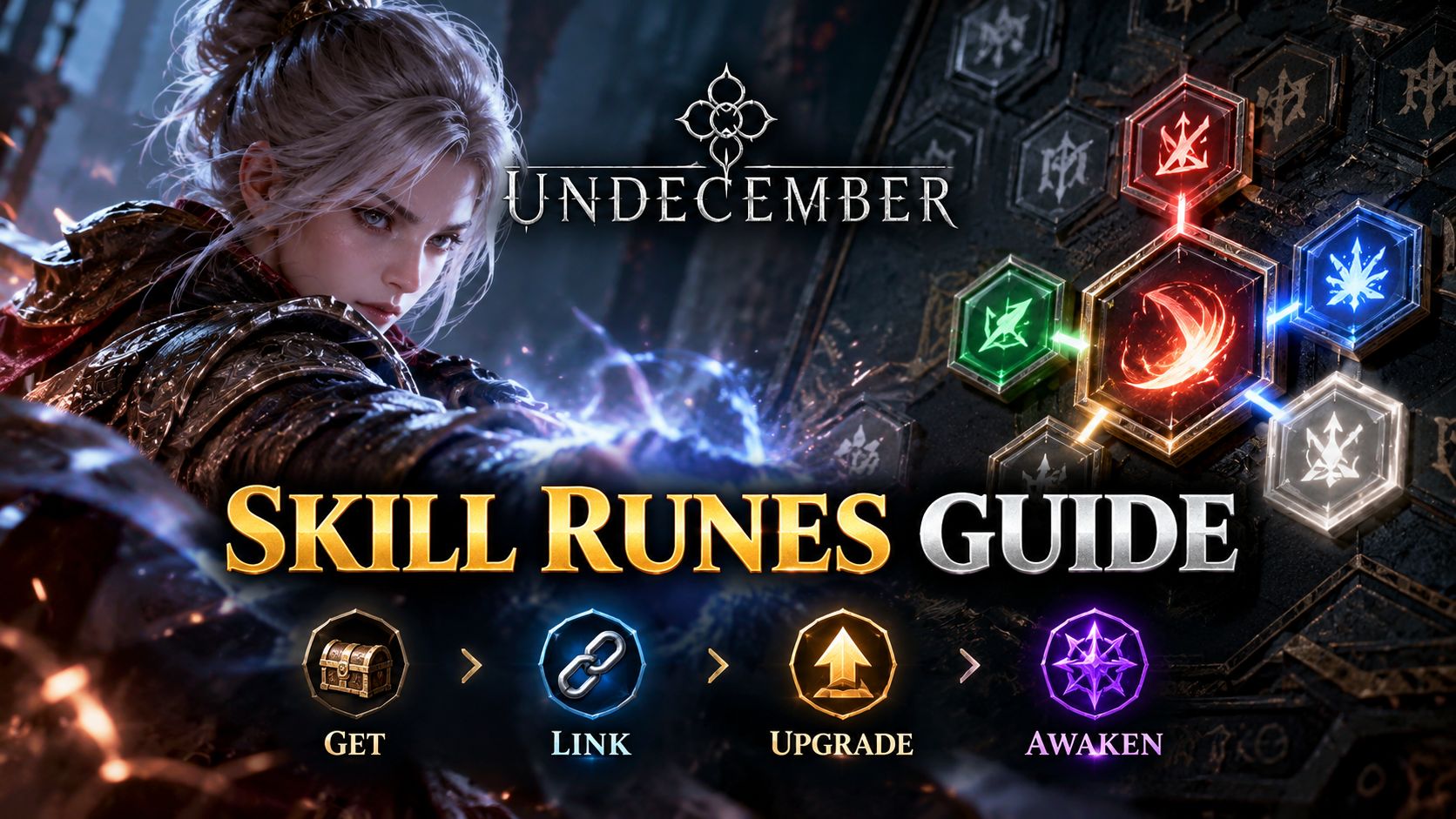
Skill Runes are the foundation of character builds in UNDECEMBER. They determine which abilities your character can use, while Link Runes modify those abilities with additional damage, utility, or other effects. By combining Skill Runes, Link Runes, and the Rune Cast system, players can create builds suited to melee combat, ranged attacks, spellcasting, summoning, and other playstyles.
This guide explains how UNDECEMBER Skill Runes work, where to find them, how to unlock up to six Link Slots, how rune colors and tags affect compatibility, and how to upgrade and awaken your runes. It also covers important changes introduced in 2026.
What Are Skill Runes in UNDECEMBER?
Skill Runes are hexagonal runes that grant active skills to your character. Each rune represents a particular ability, such as a weapon attack, projectile skill, elemental spell, or summoning skill.

Unlike a traditional fixed skill tree, UNDECEMBER allows players to arrange Skill Runes and Link Runes on a Rune Cast board. This provides considerable flexibility when customizing a character’s combat abilities.
Key Features of Skill Runes
- Hexagonal shape: Skill Runes have six sides, with Link Slots available in up to six directions.
- Variable Link Slots: The maximum number of Link Slots depends on the particular Skill Rune. Check its tooltip for its limit.
- Three basic colors: Link Slots can be Red, Green, or Blue.
- White Slots: Special rune enchantments can turn slots White, allowing compatible Link Runes of any color to connect.
- Rune grades: The standard progression includes Normal, Magic, Rare, and Legendary grades.
- Rune growth: Skill Runes can be leveled up to improve their effectiveness.
- Awakening: Eligible Legendary Skill Runes can receive additional properties through the Awakening system.
Not every Skill Rune supports all six Link Slots. Always check the maximum supported slot count before investing valuable crafting materials.
Skill Runes vs. Link Runes vs. Runestones
UNDECEMBER uses several rune-related systems, and understanding their differences is essential when creating a build.
| Rune Type | Purpose | How It Works |
|---|---|---|
| Skill Rune | Provides an active skill | Placed on the Rune Cast board and assigned to a usable skill slot |
| Link Rune | Modifies a Skill Rune | Connects to an eligible Link Slot and provides additional effects when compatibility requirements are met |
| Runestone | Enhances selected Skill Runes | Provides bonuses to Skill Runes occupying affected positions on the Rune Cast board |
| Trigger Link Rune | Connects skills through automatic activation mechanics | Uses special directional and tag conditions to activate another skill when its trigger requirements are satisfied |
Important: Placing a Link Rune next to a Skill Rune does not automatically guarantee that its effect will work. The slot color, rune tags, and any special restrictions must be compatible.
Types of Skill Runes in UNDECEMBER
Skill Runes cover many combat styles. A skill can have several tags simultaneously, so these categories are not mutually exclusive.
1. Melee and Attack Skill Runes
Attack Skill Runes use weapon-based combat mechanics. Depending on the skill, they may strike enemies in melee range, cover an area, or create additional attack effects.
Players using these skills should check weapon requirements, attack speed, physical or elemental damage, critical damage, and relevant Link Rune tags.
2. Ranged and Projectile Skill Runes
Ranged skills attack enemies from a distance. Projectile mechanics can include piercing, multiple projectiles, or other effects when supported by the skill.
Not all projectile skills support every projectile-related Link Rune. Some explicitly prohibit effects such as Multishot, Chain, or Split.
3. Spell Skill Runes
Spell Skill Runes allow players to use magical abilities, including elemental attacks and area effects. Their performance may depend on spell damage, cast speed, critical statistics, elemental bonuses, and other modifiers.
Always distinguish between Attack and Spell tags. An attack-specific Link Rune generally cannot support a spell unless its description explicitly permits that interaction.
4. Summoning and Support Skill Runes
Some Skill Runes summon minions or sentries, while others provide buffs, defensive effects, or utility. These skills may require specialized Link Runes rather than the damage supports normally used for direct attacks.
5. Channeling Skill Runes
Channeling skills maintain an effect while the player continues using the skill. Their mechanics can differ substantially from skills that activate once per button press.
The September 2026 update revised several Channeling skills, making movement and targeting more convenient for certain builds. Players should use current skill descriptions rather than relying on older Channeling guides.
How to Get Skill Runes in UNDECEMBER
There are several ways to obtain Skill Runes. The available sources depend on the particular rune, game progression, and current content.
1. Purchase Runes from Mystic Pauline
Mystic Pauline is an important NPC for obtaining and improving runes.
- Visit a town and find Mystic Pauline.
- Open the Rune Shop.
- Browse the available Skill Runes and Link Runes.
- Select the rune you want.
- Purchase it using Gold.
The Rune Shop inventory changes as you advance through the story. According to the official game guide, purchasable runes from previous Acts become available after Act 6.
Shop-purchased Skill Runes normally begin with one Link Slot. Additional crafting is required if you want more links.
2. Complete Quests and Game Content
Skill Runes can be obtained from story quests, content rewards, and other gameplay activities. These sources are especially useful when progressing through the campaign.
3. Obtain Runes from Monster Drops
Some Skill Runes can drop from monsters. However, not every rune is available from ordinary drops.
Farming the wrong activity will not guarantee a specific Skill Rune, so check its acquisition information before committing resources.
4. Use Special Shops and Rune Chests
Some runes are available through chance-based shops, exchange shops, or guild-related sources. Rune chests can also provide random runes.
For example, the official chance-based shop guide lists random Skill Rune chests available from NPC Brown. Chest contents and probabilities should be checked in the current game interface before purchasing.
5. Check Seasonal and Special Content
Some rune-related rewards are associated with specific seasons or endgame activities. Availability may change between updates.
Tip: Before farming an uncommon rune, check the Rune Compendium, its acquisition information, and the current season’s update notes.
How to Equip and Use Skill Runes
Skill Runes must be configured through the Rune Cast system before they can be used in combat.
- Open Rune Cast: On PC, press K or use the Skill menu.
- Select a Skill Rune: Choose the rune from your available rune list.
- Place the Skill Rune: Position it on an available area of the Rune Cast board.
- Add Link Runes: Arrange compatible Link Runes next to its active Link Slots.
- Register the Skill: Select the Skill Rune from the skill list and assign it to an available quick skill slot.
- Test the Skill: Enter combat or a suitable training area to verify its functionality and performance.

The standard Rune Cast interface provides two sets of five skill slots. Additional trigger-related slots and Rune Master features follow their own unlocking rules.
Duplicate Skill Runes cannot be placed simultaneously in the same Rune Cast setup. Duplicate Link Runes can be used in the board, but the same Skill Rune cannot receive duplicate copies of a Link Rune.
How to View Skill Details
Select a Skill Rune to open its tooltip. The tooltip provides information such as damage, skill tags, requirements, and other effects.
- Share: Use the Share option in the tooltip to share the selected skill in chat.
- Skill Sample Video: When available, use this option to preview how the skill functions without additional supplementary effects.
- Link compatibility: Select an equipped Skill Rune to highlight Link Runes that can connect to it.
How Do Skill Rune Link Slots Work?
Each Skill Rune has up to six possible link directions. A Link Rune placed in an adjacent active slot can modify the skill if the compatibility requirements are satisfied.
The three basic Link Slot colors are:
- Red: Associated with Strength-oriented rune requirements and supports.
- Green: Associated with Dexterity-oriented rune requirements and supports.
- Blue: Associated with Intelligence-oriented rune requirements and supports.
To activate a Link Rune’s effect, verify the following:
- The Skill Rune has an active Link Slot facing the Link Rune.
- The Link Rune is correctly positioned.
- The Link Rune color matches the Link Slot or the slot is White.
- The Link Rune’s required skill tags are compatible.
- The Link Rune does not have an additional restriction preventing the connection.
For example, a Skill Rune with a Spell tag can use a compatible spell support rune when the color and other conditions are satisfied. A Link Rune requiring an Attack tag will not automatically work with that spell.
Note: White Slots remove the color-matching requirement, not the skill-tag requirement.
How to Get a 6-Link Skill Rune
Increasing the number of Link Slots is one of the most important ways to expand a Skill Rune’s customization potential.
Before attempting a six-link upgrade, confirm that the selected skill supports six Link Slots.
Step 1: Obtain Rune Birth Essence
Rune Birth Essence changes the number of active Link Slots on a Skill Rune by chance. It is commonly used when attempting to obtain a higher link count.
Step 2: Enchant the Skill Rune
Open Rune Enchant through the appropriate interface, select the Skill Rune, and use Rune Birth Essence.
Results are random. You may need multiple attempts to reach the desired number of links.
Step 3: Consider Penta or Hexa Rune Essence
Other rune essences provide specialized methods of increasing Link Slots.
| Essence | Function |
|---|---|
| Rune Birth Essence | Randomly changes the number of active Link Slots |
| Penta Rune Essence | Changes the Skill Rune to five or six Link Slots by chance |
| Hexa Rune Essence | Changes an eligible Skill Rune to six Link Slots |
| Rune Link Essence | Changes the positions of active Link Slots |
| Rune Color Essence | Changes the colors of active Link Slots |
| Rune Candor Essence | Attempts to change a Link Slot to White |
Hexa Rune Essence is particularly valuable for obtaining six Link Slots when the Skill Rune supports them.
Step 4: Adjust Slot Positions and Colors
After obtaining your desired number of Link Slots, use Rune Link Essence to adjust slot positions and Rune Color Essence to adjust colors.
Plan the Rune Cast arrangement first. This can reduce unnecessary essence consumption when trying to connect several important support runes.
How to Get White Link Slots
White Link Slots are special slots that allow Link Runes of any color to connect, provided their tags and other compatibility requirements are satisfied.
White Slots are obtained through Rune Candor Essence.
- Obtain Rune Candor Essence.
- Open the Rune Enchant interface.
- Select the Skill Rune you want to improve.
- Use Rune Candor Essence to attempt a White Slot enchantment.
- Review the resulting slot and enhancement state before continuing.
Successful Candor enchantments can increase the effective level of the connected Link Rune. Multiple successful enchantments provide further progression benefits.
However, Candor enchanting has important restrictions and risks. Consecutive successes affect future success chances, and failed attempts can prevent further Candor enchanting until the rune is appropriately reset or restored.
Important warning: Using Rune Birth Essence can erase the recorded maximum Candor success count. Avoid casually changing the slot count of a valuable rune after investing heavily in Candor enchantments.
How to Level Up Skill Runes
Leveling up Skill Runes improves their performance and is an essential part of character progression.
You can increase rune levels through Mystic Pauline or the Skill screen.
Rune Leveling Steps
- Open Rune Growth.
- Select the Skill Rune you want to upgrade.
- Add suitable growth materials, including Elements.
- Review the required materials and Gold.
- Confirm the upgrade.
Growth materials include Earth Elements, Light Elements, and Chaos Elements. These materials provide rune experience, with some offering more experience than others.
Quick Fill and Max Level Up features can simplify the process.
Rune levels may also increase attribute requirements. If your character does not meet those requirements, you may be unable to continue leveling or equipping the rune as intended.
Spica Essence and Higher Rune Levels in 2026
The September 10, 2026 update introduced Spica Essence for advanced rune progression.
Spica Essence can be used on runes at Level 31 or higher and supports progression to Level 45 and beyond.
Its results are not guaranteed. Depending on the outcome, the rune’s level can remain unchanged, increase by one, or decrease by one.
Because the result carries risk, Spica Essence is better suited to advanced rune optimization than early character progression.
How to Upgrade Skill Rune Grades
Skill Runes have four standard grades:
| Grade | Progression | Upgrade Material |
|---|---|---|
| Normal | Starting grade for many basic runes | None required to remain at this grade |
| Magic | Improved grade | Skill Rune Magic Upgrade Essence |
| Rare | Further grade improvement | Skill Rune Rare Upgrade Essence |
| Legendary | Highest standard grade in this progression | Skill Rune Legendary Upgrade Essence |
Upgrading a rune’s grade can improve its properties and is an important prerequisite for advanced systems such as Awakening.
Some runes have a minimum initial grade higher than Normal, so not every rune follows the same starting progression.
How to Awaken Skill Runes
Rune Awakening grants powerful additional options to eligible Skill Runes.
According to the official Awakening guide, the feature becomes available when your character reaches Level 78. A Skill Rune must be Legendary grade and at least Level 30 to qualify for standard Awakening.
Skill Rune Awakening Requirements
- Unlock the Rune Awakening feature.
- Obtain an eligible Legendary Skill Rune at Level 30 or higher.
- Acquire the necessary engraving and Awakening materials.
- Visit Mystic Pauline and open the appropriate Awakening interface.
Awakening offers three option categories:
- Source
- Origin
- Verity
Each eligible Skill Rune has its own predetermined Awakening effects. The best choice depends on your build and the specific rune.
A rune can have only one of these Awakening option categories at a time. Reawakening can replace the current option or reroll its values when the same category is used.
Warning: An Awakened Rune’s Awakening option is lost when using the standard Rune Transfer process described in the official guide.
Latest UNDECEMBER Skill Rune Changes in 2026
The September 10, 2026 update introduced The Farside season, including new skills and significant changes to several existing Channeling abilities.
Divine Punishment
Divine Punishment is a Lightning Spell Skill with Channeling mechanics. It creates a lightning field that strikes enemies within its effective area.
Critical hits can trigger additional enhanced Divine Punishment attacks.
Its official skill tags include Spell, Area of Effect, Channel, Strike, Lightning, and Projectile. However, its compatibility restrictions exclude certain projectile modifiers, including Multishot, Parallel Shot, Pierce, Split, and Chain.
Players building around Divine Punishment should prioritize supports that match its actual tooltip and Channeling mechanics.
Charged Shot
Charged Shot is a Physical Projectile Attack Skill introduced with The Farside season.
It charges energy and fires a powerful projectile. The number of charge stages affects its additional properties.
Its tags include Attack, Charge, Strike, Physical, Projectile, Bowgun, and Overheat.
Charged Shot cannot use certain projectile modifiers, including Multishot, Split, and Chain, according to its official release description.
Channeling Skill Improvements
The September 2026 update revised the following existing skills:
- Flamethrower
- Sacred Light
- Domain of Strength
- Sacred Devotion
- Enchanted Sentry
These changes introduced movement improvements during Channeling for the affected skills, along with additional targeting or mechanical adjustments where applicable.
The October 8, 2026 update also introduced Transcendent Spell Activation on Attack Hit, a specialized Link Rune that enables compatible attack skills to trigger spell skills under defined conditions.
These changes demonstrate why Skill Rune builds should be checked against current in-game descriptions after major updates.
How to Use Rune Cast Presets
The September 2026 update introduced Rune Cast Presets, allowing players to save and switch between different rune configurations more conveniently.
Presets can record:
- Skill Rune and Link Rune arrangements
- Trigger configurations
- Runestone information
- Quick skill slot settings
The system includes a default preset and supports expansion to five presets using Rubies.
Saved configurations depend on the original runes remaining accessible. A preset may fail to load completely if a required rune has been sold, destroyed, transferred to another character, or otherwise become unavailable.
Tip: Use different presets for boss encounters, general farming, and experimentation with alternative Skill Rune combinations.
How to Choose the Best Skill Runes for Your Build
There is no universally best Skill Rune in UNDECEMBER. Its performance depends on your equipment, attributes, supporting runes, and the content you want to complete.
| Build Goal | What to Look For |
|---|---|
| Fast monster clearing | Area coverage, movement-friendly mechanics, efficient resource consumption |
| Boss damage | Strong single-target performance, sustainable damage, suitable cooldowns |
| Spellcaster | Compatible Spell tags, elemental scaling, cast speed and spell damage |
| Projectile build | Projectile behavior, weapon requirements, compatible projectile supports |
| Summoner | Minion or sentry scaling, specialized supports, survivability |
| Channeling build | Channeling compatibility, mobility, resource sustain, dedicated supports |
Skill Rune Optimization Tips
- Choose your main skill first: Focus on a Skill Rune that matches your preferred playstyle.
- Check all tags: Do not select Link Runes based only on their names.
- Plan your six-link setup: Confirm compatibility before spending rare essences.
- Balance damage and resource costs: Stronger combinations may consume more resources.
- Upgrade important Link Runes: Support rune levels and grades can contribute significantly to your performance.
- Use the training area: Compare real combat performance rather than relying only on a single displayed damage figure.
- Review patch notes: Changes to skill mechanics can alter which support runes are most effective.
UNDECEMBER Skill Runes Not Working? Common Fixes
1. The Skill Rune Cannot Be Used
Verify that the Skill Rune is placed in Rune Cast and registered to an available skill slot. Also check its attribute, equipment, and other requirements.
2. A Link Rune Provides No Bonus
Check slot color, position, skill tags, and special restrictions. Link Runes can sometimes be placed without activating their effects.
3. You Cannot Add More Link Slots
The Skill Rune may have reached its maximum supported number of slots. Inspect its tooltip before using additional essences.
4. The Rune Cannot Be Upgraded
Check your materials, Gold, applicable level limits, and stat requirements.
5. A Trigger Skill Does Not Activate
Confirm that the correct Trigger Link Rune is used, that the activation and target skills are connected in the required direction, and that the target skill is properly registered when the particular trigger requires it.
6. A Saved Rune Cast Preset Does Not Load
Verify that all required runes are still available and that the relevant slots are unlocked. A preset cannot fully reconstruct a configuration when a required rune is missing.
UNDECEMBER Skill Runes FAQ
How many Link Slots can a Skill Rune have?
A Skill Rune can have up to six Link Slots, but the maximum varies by skill. Check its tooltip to confirm the limit.
How do I get six Link Slots in UNDECEMBER?
Use appropriate rune essences, including Rune Birth Essence or Hexa Rune Essence, on a Skill Rune that supports six slots.
What do Red, Green, and Blue rune slots mean?
They indicate color compatibility with Link Runes. The connected Link Rune must normally match the slot color and satisfy tag requirements.
What does a White Link Slot do?
A White Slot accepts Link Runes of any color, but the support rune must still meet tag and other compatibility conditions.
Can I change Skill Rune Link Slot colors?
Yes. Rune Color Essence can change active Link Slot colors, subject to the rune’s current enchantment restrictions.
Can I change the position of Link Slots?
Yes. Rune Link Essence changes the locations of active Link Slots by chance.
Where can I buy Skill Runes?
Many Skill Runes can be purchased from Mystic Pauline using Gold. Other runes must be obtained through different game activities or special sources.
Can I equip two identical Skill Runes?
The standard Rune Cast system does not allow duplicate Skill Runes to be equipped simultaneously in the same configuration.
Can one Link Rune support more than one Skill Rune?
Yes, when the Link Rune is positioned between compatible Skill Runes and the relevant slots and conditions are satisfied.
What is the difference between leveling and Awakening?
Leveling improves a rune’s ordinary progression and performance. Awakening grants a specialized additional option to an eligible Legendary rune.
Can I transfer upgrades between Skill Runes?
Rune Transfer can move supported progression details between eligible runes, but restrictions apply. The material rune is consumed, and Awakening options do not transfer.
What is the maximum Skill Rune level in 2026?
The maximum depends on the rune and available progression systems. The September 2026 Spica Essence system supports progression toward Level 45 and beyond, so older guides that assume a fixed Level 30 maximum are outdated.
What are the newest Skill Runes in 2026?
The September 10, 2026 update introduced Divine Punishment and Charged Shot. The update also revised several Channeling skills, while the October 8 update expanded compatible trigger possibilities through a new Transcendent Link Rune.
About the Author