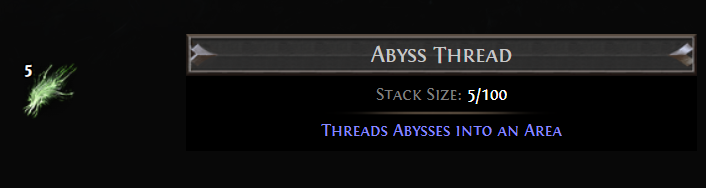
Abyss Thread is a currency item that adds Abyss content to an area through your personal Map Device. Its random modifiers can create extra Abyssal Pits, change the monsters they spawn, or add a more demanding Abyssal Consort encounter.
Item Details
Abyss Thread
Item class: Map Fragments
Stack size: 1 / 100
Effect: Threads Abysses into an Area
Use: Add Abyss content to a Map through a personal Map Device
Drop level: 68
Shift-click to unstack the item.
What Abyss Threads Do
When you spend Abyss Threads, at least one Abyss modifier applies. Spending more Threads increases the chance that multiple modifiers will apply. The specific modifiers are random, so each use can create a different encounter.
An Abyss encounter begins at a pit with branching fissures. Defeating nearby monsters closes the fissures; once they reach the pit, Abyssal monsters emerge.
Possible Abyss Thread Modifiers
A Thread can apply one or more of these effects:
- Abyssal Consort: An Abyssal Pit in the area can spawn an Abyssal Consort. The Consort becomes more difficult and rewarding for each earlier pit that has opened.
- Additional Abyssal Pits: The area can contain extra pits. This modifier can occur up to three times.
- Paired Rare Monsters: Rare monsters spawned by Abyssal Pits appear in pairs.
- Mortar attacks: Abyssal Pits fire mortars that spawn Bone Hoarders when they land.
- Extra Abyssal Modifier: Rare monsters spawned by the pits receive an additional Abyssal modifier.
Using Abyss Thread
Use an Abyss Thread in your personal Map Device when adding Abyss encounters to a Map. The possible modifiers can increase the number of encounters, add stronger enemies, or change how monsters appear. Extra pits and paired Rare monsters can make the area more demanding, so consider whether your build can handle denser fights before investing Threads.
How to Get Abyss Thread
Abyss Thread can drop anywhere and has a drop level of 68. Its stack limit is 100.
About the Author